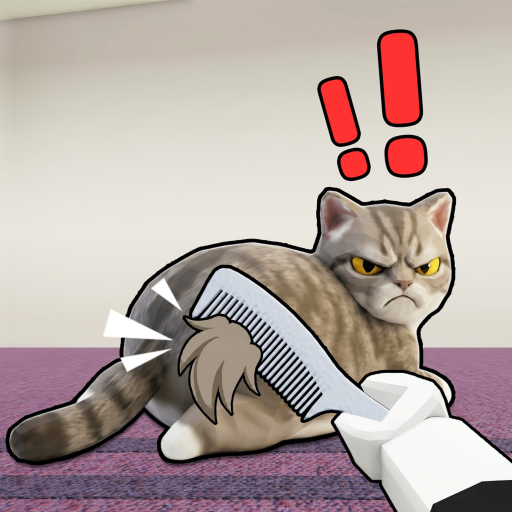
Read the prompt
Locate the brushing prompt in the game interface and use the input it shows. Do not assume tapping, holding or dragging works until the interface confirms it.
This beginner guide covers controls and platform verification: read the input prompts on your own device before following any claimed key binding. The confirmed activity is brushing cat fur, trying different cats and improving over time. The official listing does not explain an exact input sequence, so this guide separates that confirmed loop from controls you must read in the live game.
Locate the brushing prompt in the game interface and use the input it shows. Do not assume tapping, holding or dragging works until the interface confirms it.
Observe what changes after an action. A visible change can help you understand that session; it does not prove a hidden multiplier.
Continue at a comfortable pace and review the displayed result. When comparing sessions, keep the cat and fur consistent where possible.
Do not interpret the phrase get faster as proof of a purchasable speed stat. The listing describes improvement but does not publish a formula or upgrade table.
If nothing changes, check whether the game is waiting for another on-screen instruction. This website cannot inspect your current Roblox screen or guarantee a control for every device.
No exact mobile input sequence is verified here. Use the prompts rendered by Roblox and the experience on your device.
The official description describes brushing cats, not bosses or PvP. Combat advice is not supported for this guide.
Game facts follow the official Brush Angry Cat listing. Measurement steps are suggestions for your own observations, not verified game mechanics. Read the source boundaries.